|
Display diagonal |
86.4 cm (34") |
|
Display resolution |
3440 x 1440 pixels |
|
Native aspect ratio |
21 |
|
Touchscreen |
No |
|
HD type |
Wide Quad HD |
|
Panel type |
VA |
|
Response time |
5 ms |
|
Screen shape |
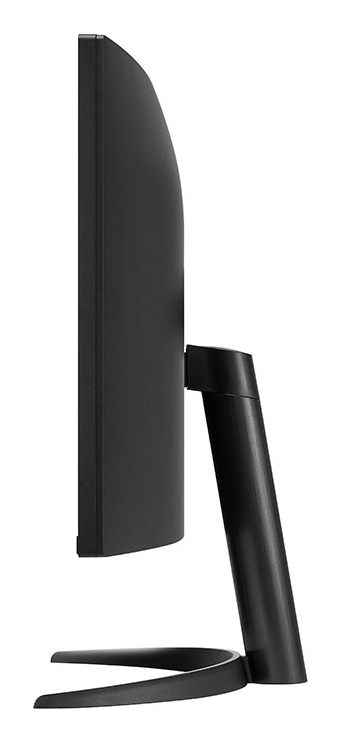
Curved |
|
Contrast ratio (typical) |
3000 |
|
Maximum refresh rate |
100 Hz |
|
Display number of colours |
16.7 million colours |
|
Display brightness (typical) |
300 cd/m² |
|
Response time measurement type |
GTG (Gray to Gray) |
|
Screen curvature rating |
1800R |
|
Supported graphics resolutions |
640 x 480 (VGA), 800 x 600 (SVGA), 1024 x 768 (XGA), 1920 x 1080 (HD 1080), 3440 x 1440 |
|
Supported video modes |
480p, 720p, 1080p, 2160p |
|
Viewing angle, horizontal |
178° |
|
Viewing angle, vertical |
178° |
|
Pixel pitch |
0.23175 x 0.23175 mm |
|
Display diagonal (metric) |
86.42 cm |
|
High Dynamic Range (HDR) supported |
Yes |
|
High Dynamic Range (HDR) technology |
HDR Effect, High Dynamic Range 10 (HDR10) |
|
Colour depth |
10 bit |
|
sRGB coverage (typical) |
99% |
|
NVIDIA G-SYNC |
No |
|
AMD FreeSync |
Yes |
|
AMD FreeSync type |
FreeSync |
|
Flicker-free technology |
Yes |
|
Smart modes |
Energy saving |
|
Built-in speaker(s) |
No |
|
Built-in camera |
No |
|
Product colour |
Black |
|
Front bezel colour |
Black |
|
Feet colour |
Black |
|
Built-in USB hub |
No |
|
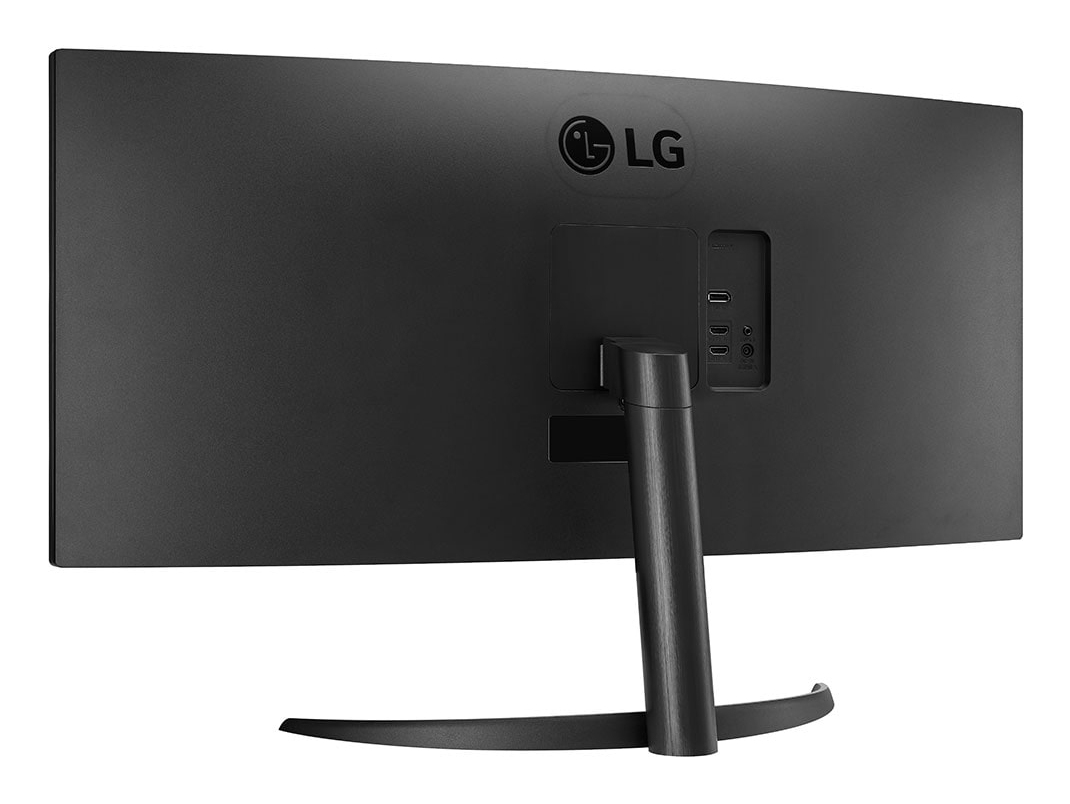
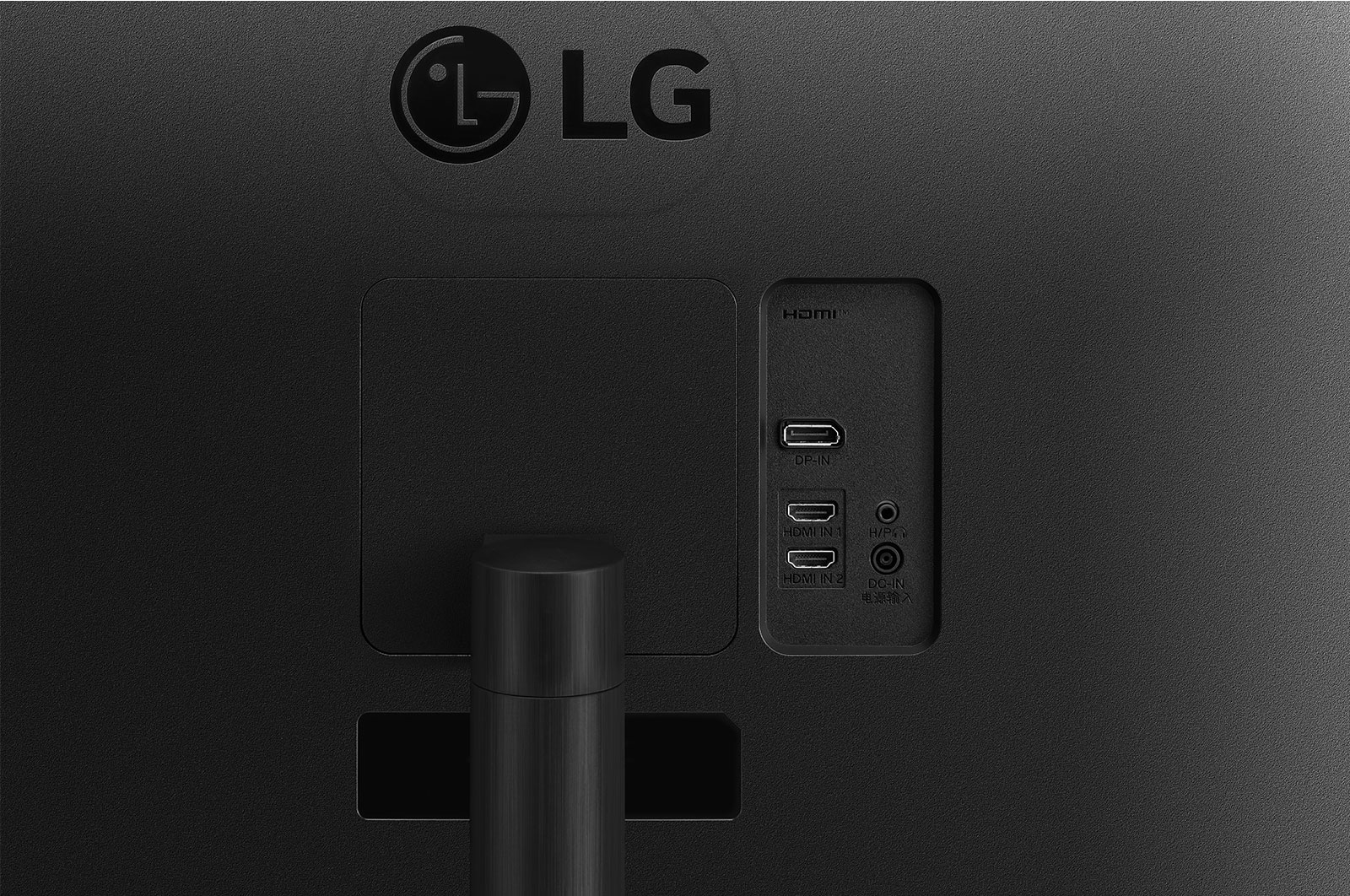
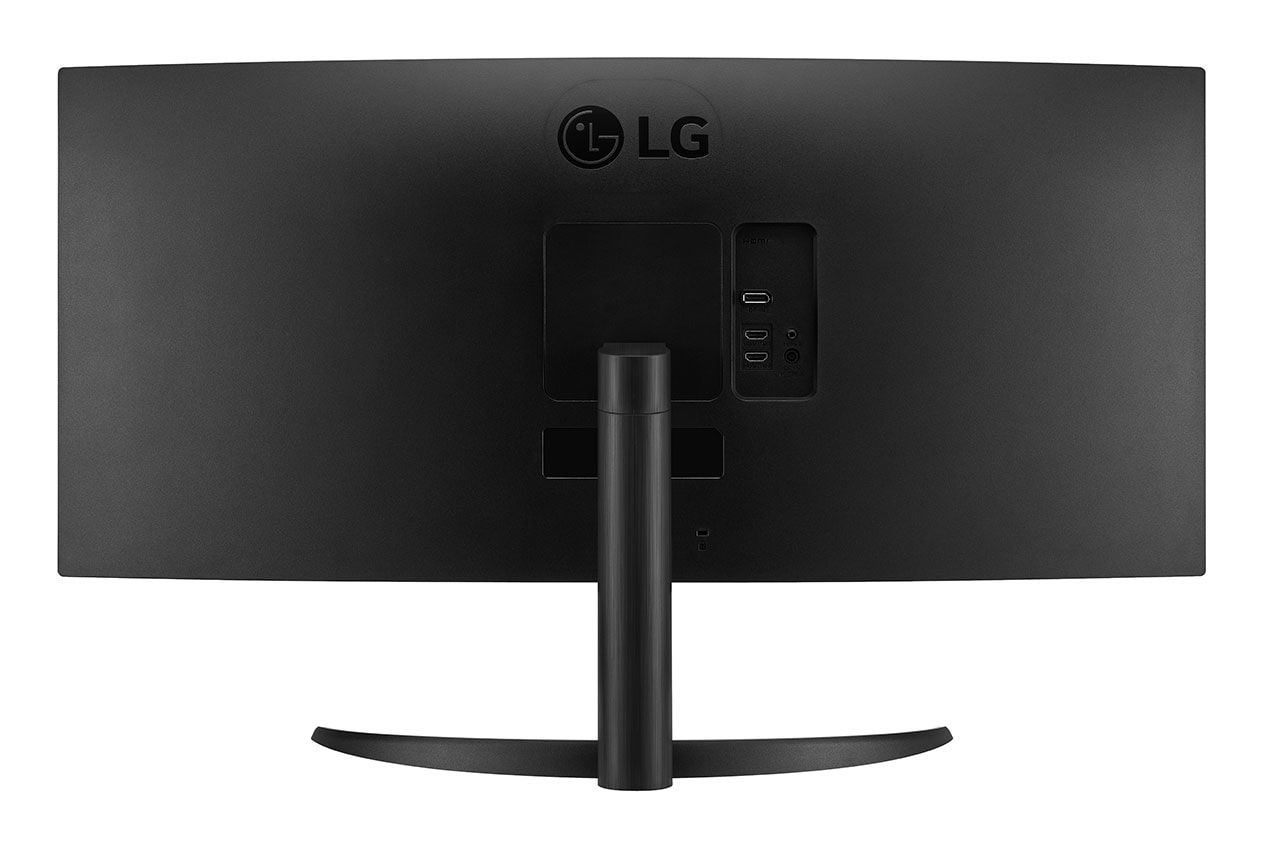
HDMI |
Yes |
|
Headphone out |
Yes |
|
HDMI ports quantity |
2 |
|
DisplayPorts quantity |
1 |
|
DisplayPort version |
1.4 |
|
Headphone outputs |
1 |
|
VESA mounting |
Yes |
|
Cable lock slot |
Yes |
|
Brand |
LG Electronics |
|
Type |
24.1 Inch |
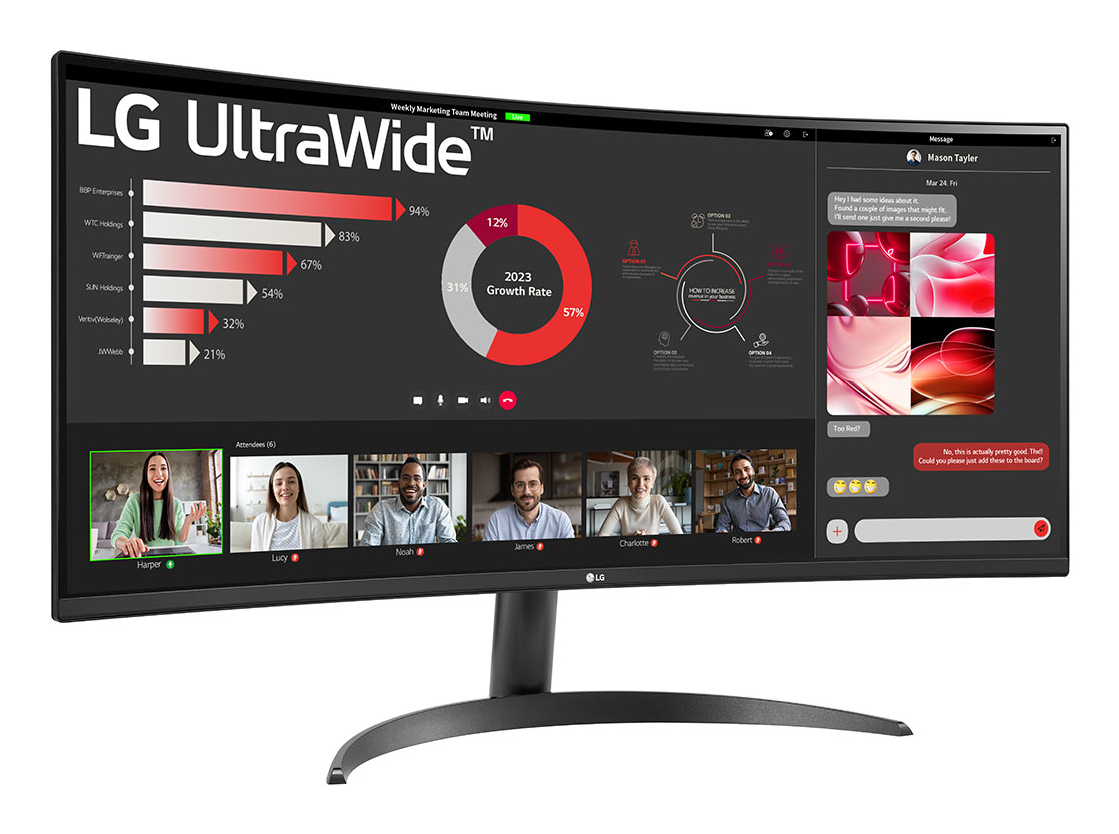
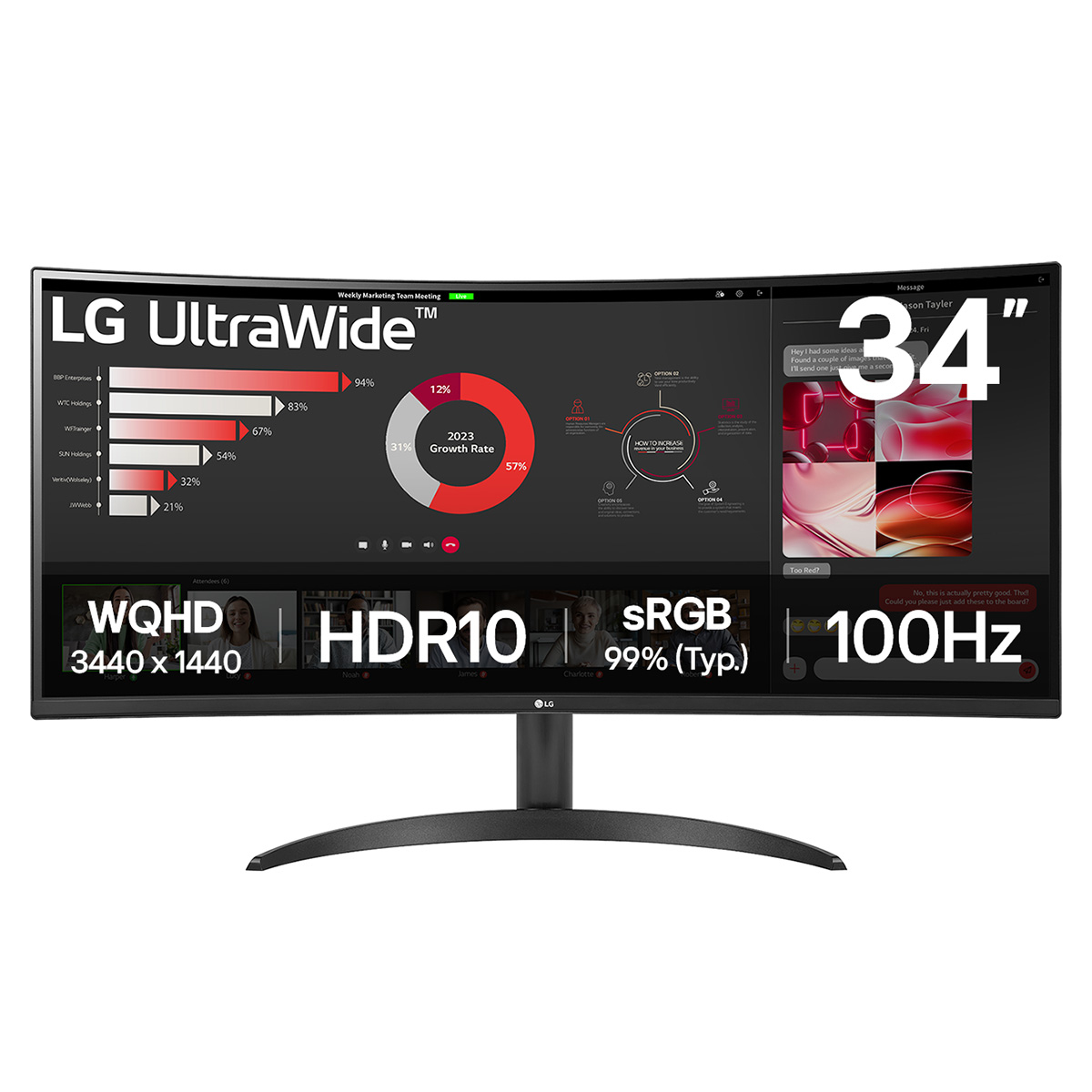
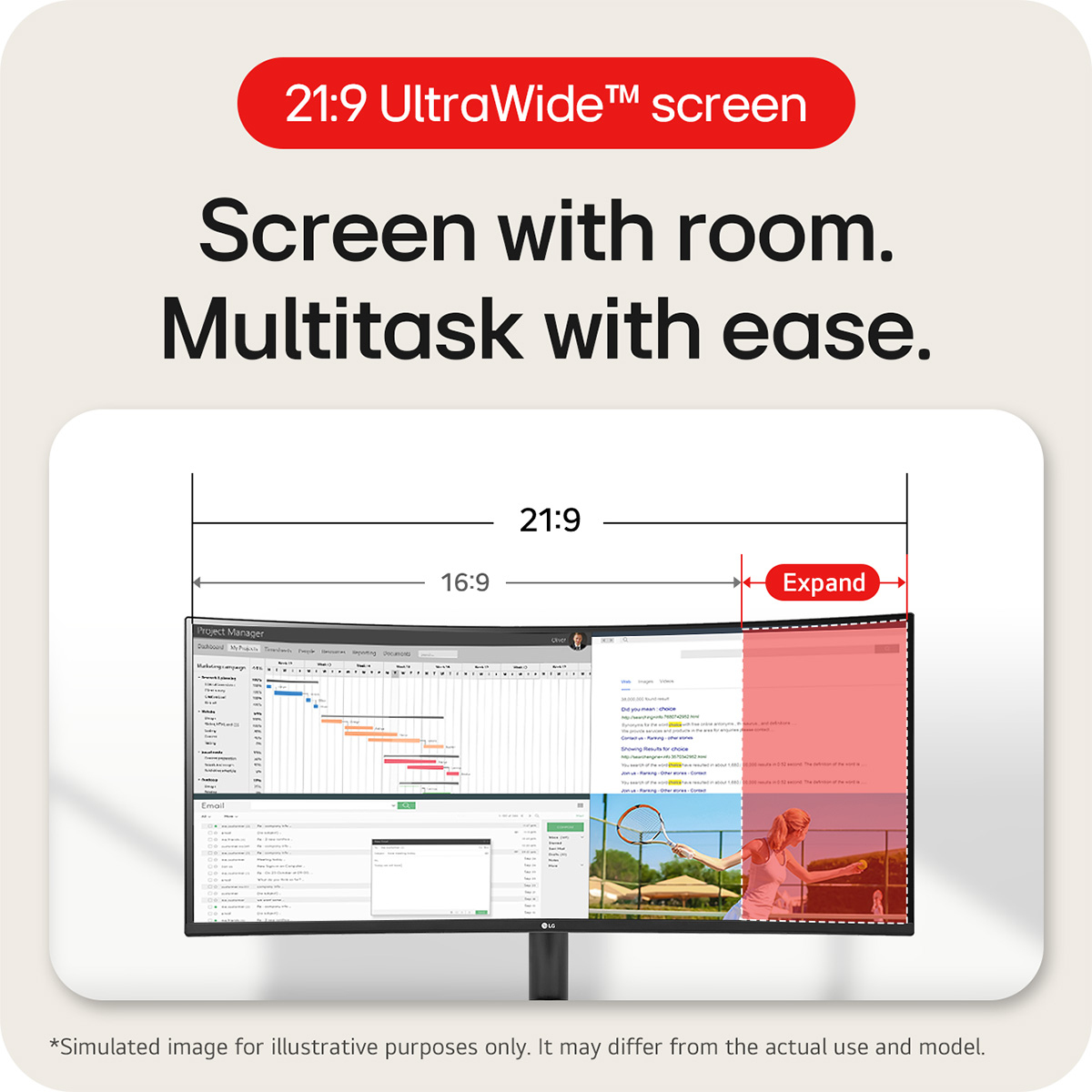
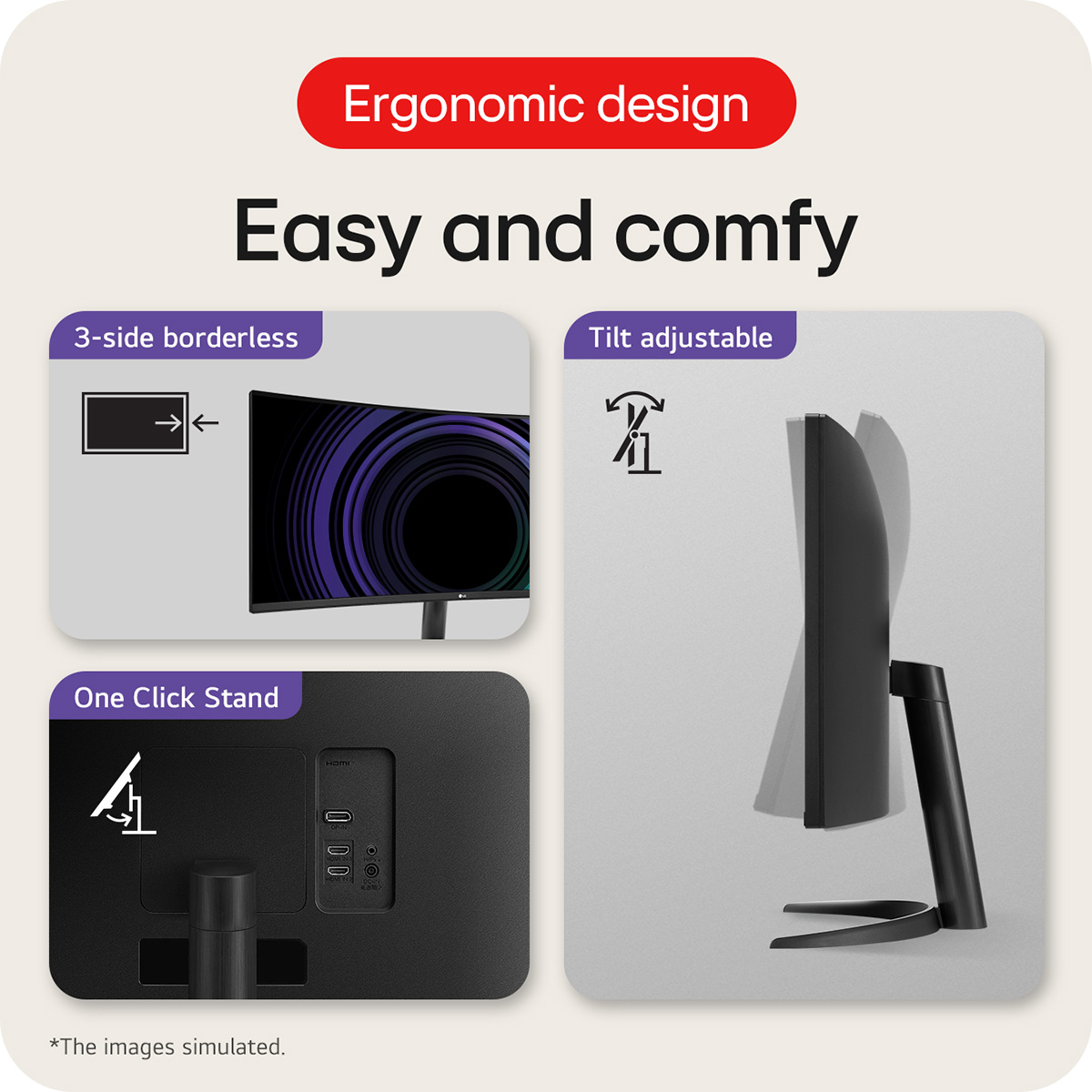
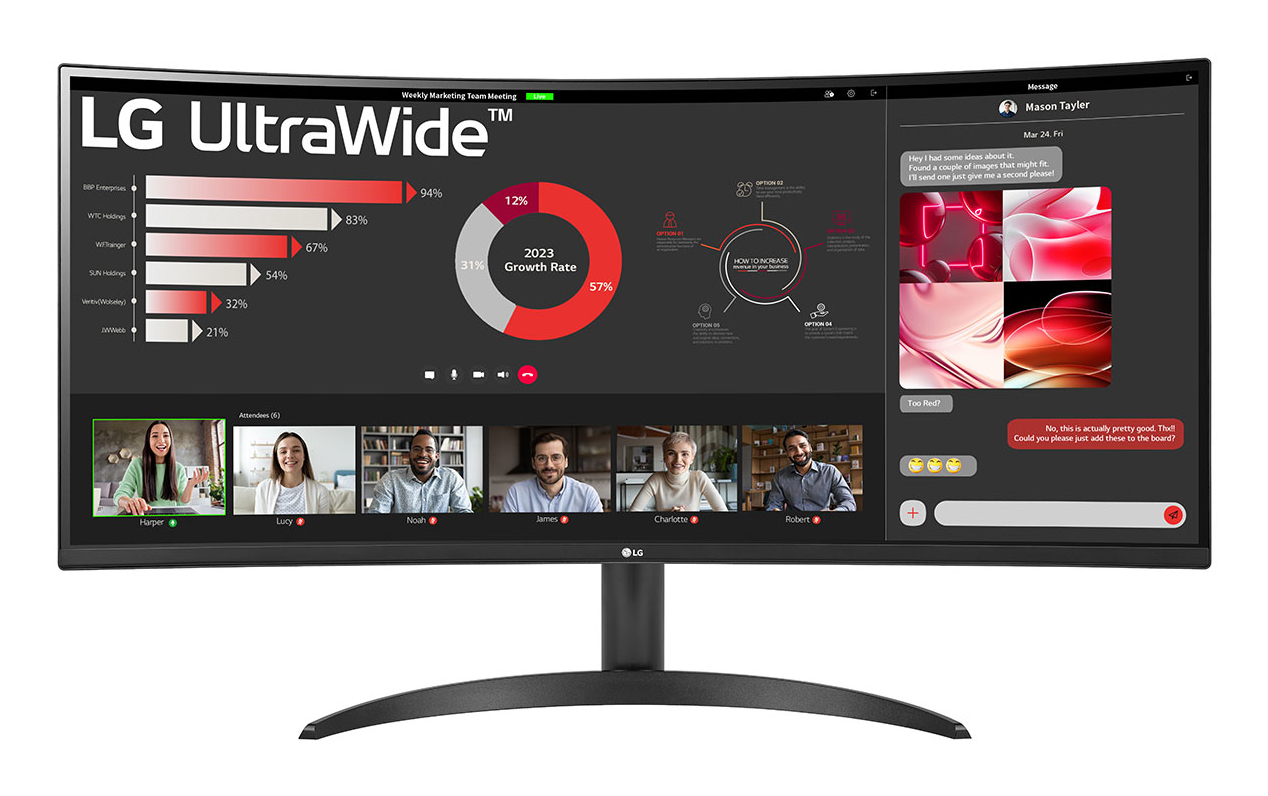
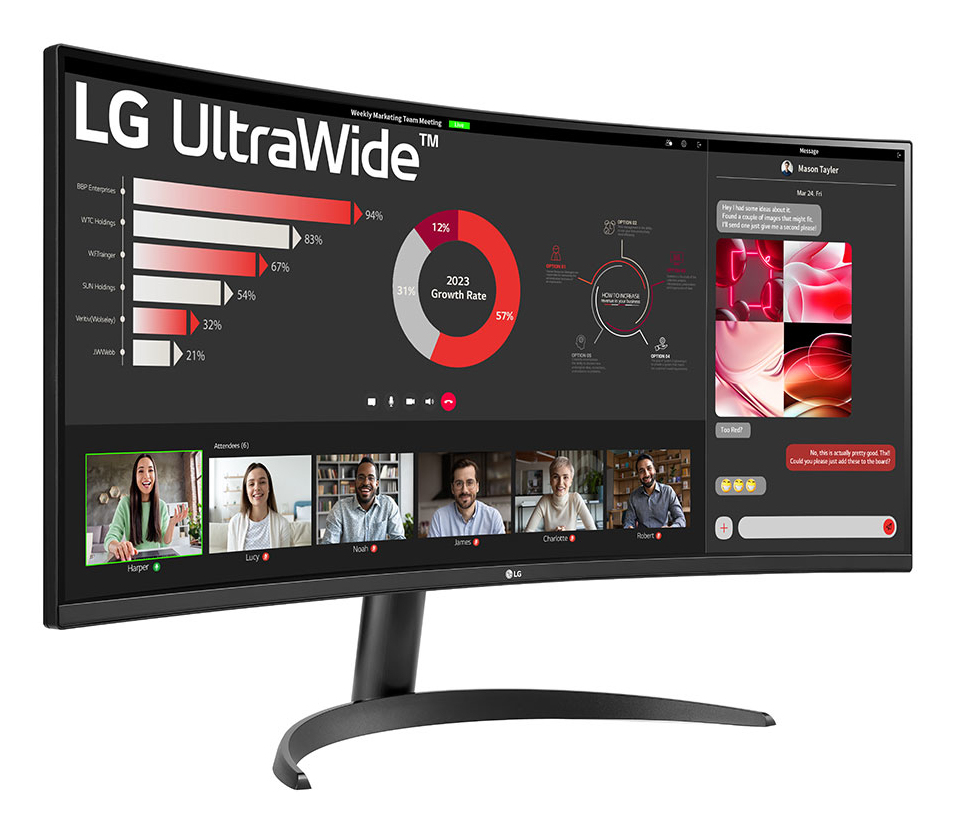
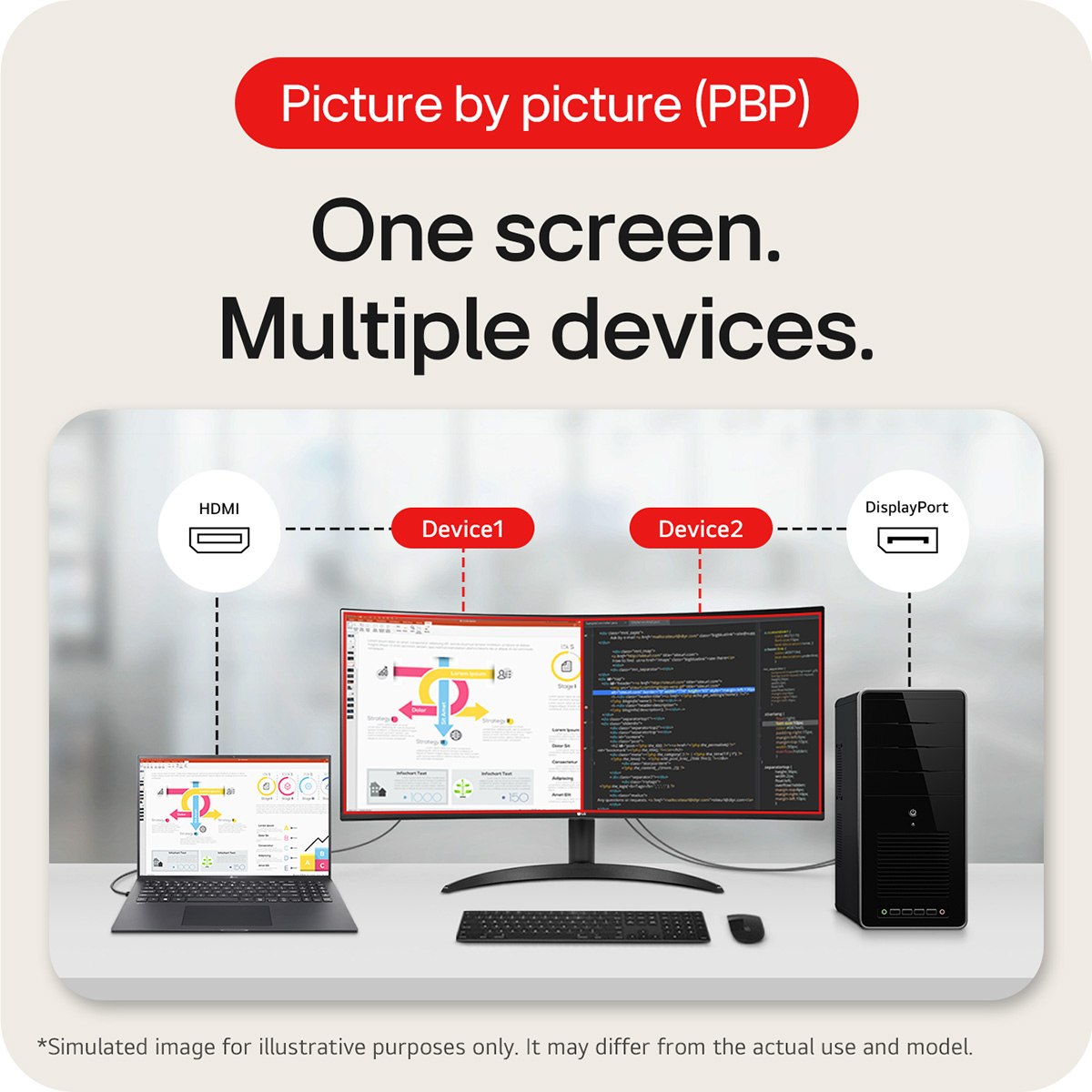
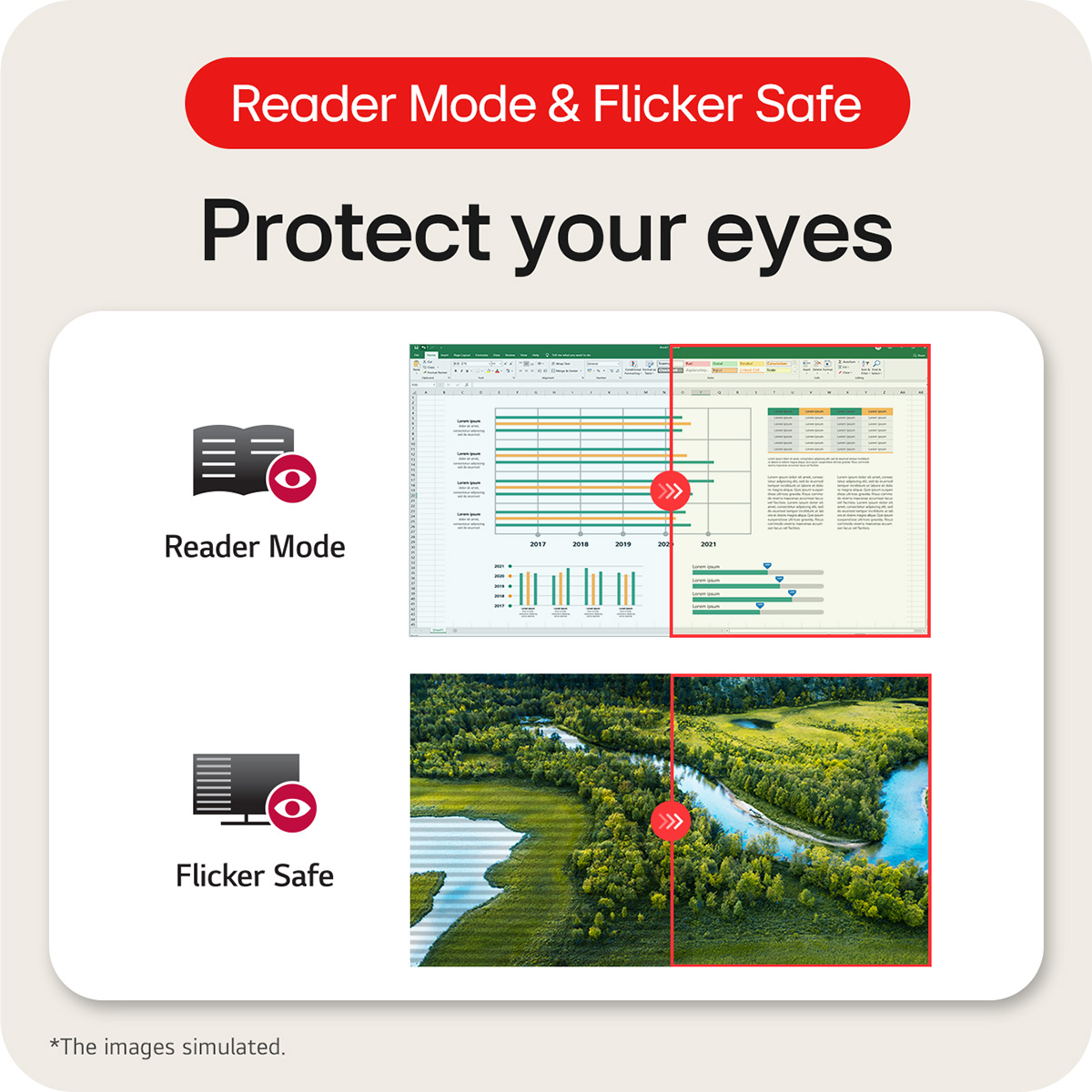
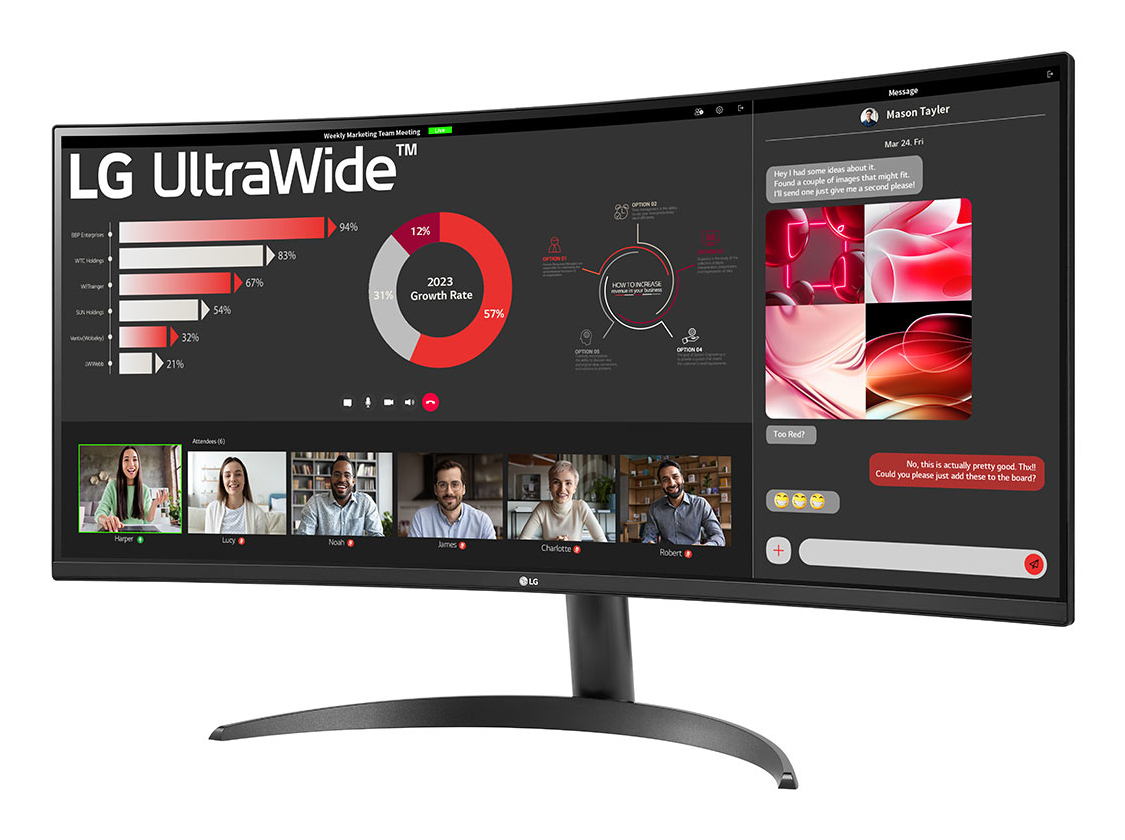
34-inch 21:9 Curved UltraWide QHD (3440x1440) Display: With UltraWide QHD (3440x1440) screen, you can multitask effectively-without shifting through programs. Wide colour range at sRGB 99% (Typ.) with HDR10: This monitor is compatible with HDR10 (high dynamic range), based on the sRGB 99% colour gamut, supporting specific levels of colour and brightness that enables viewers to enjoy the dramatic colours of the content. Picture By Picture (PBP): This monitor allows you to see multiple contents from two computers with the picture-by-picture feature, so it helps to process work efficiently. Easy and comfy: Achieve optimal positioning with the Ergonomic Stand: Simple setting with one click as well as easily adjust Tilt for your ideal viewing experience. Eye Care: Reader Mode & Flicker Safe help to provide eye comfort, reducing eye strain.
We are sorry but no alternatives are currently available, we are working on getting this back in stock as soon as possible.